Choosing a CRM is one of the biggest decisions a brokerage makes. Your CRM decides how fast leads get a call, whether managers can see what agents are doing, and whether your marketing team knows which campaigns produce deposits.
This guide compares nine tools brokers commonly evaluate in 2026 and explains how to pick the right one for your business.
What a forex CRM needs to do
Before comparing vendors, agree on the jobs the CRM must do. For most Forex/CFD brokers and IB networks, that list is:
- Capture leads from Meta Lead Ads, Google, landing pages, IBs and webinars.
- Route leads to the right desk by country, language and source within seconds.
- Log every contact: calls, WhatsApp and email, against the lead.
- Track the FTD funnel: from new lead to KYC to first-time deposit (FTD).
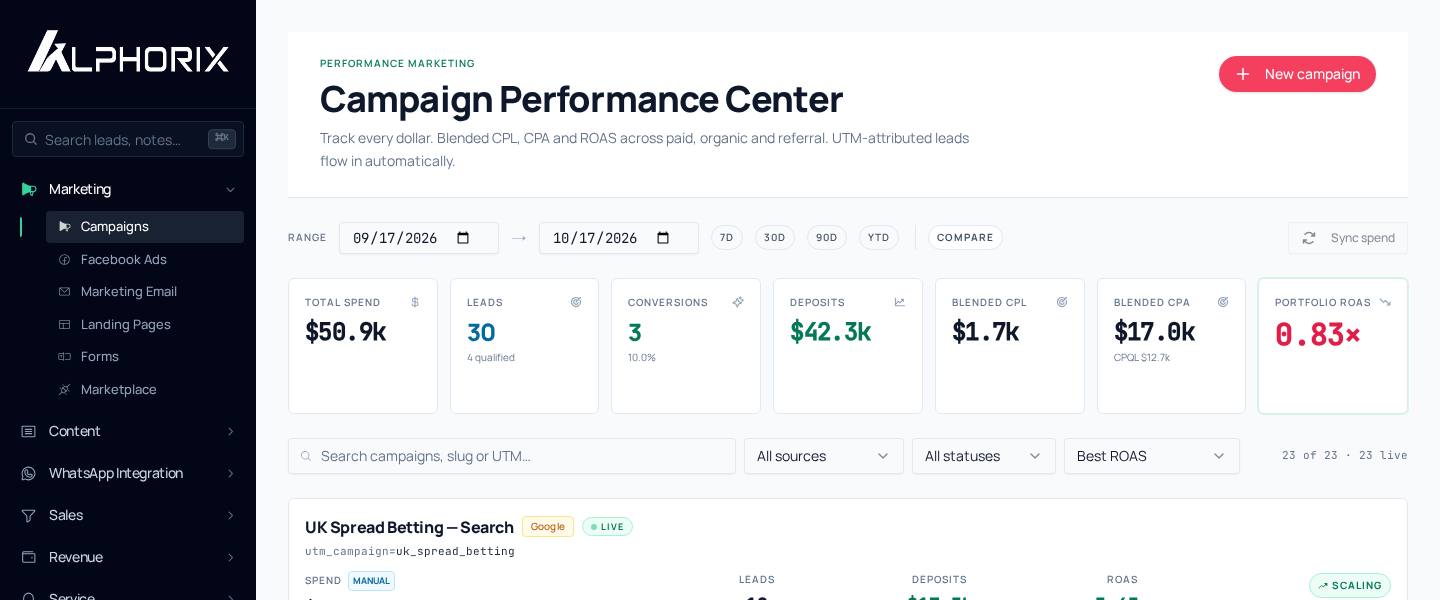
- Attribute deposits to campaigns, IBs and agents.
- Manage IBs and affiliates: referral codes, tiers and commissions.
- Retain clients: re-deposits, win-backs and dormant-client alerts.
- Stay compliant: roles, audit logs, KYC records and data security.
A tool that only covers 1–3 is a contact database. A broker CRM covers all eight.
The two families of CRM
General-purpose CRMs (HubSpot, Salesforce, Zoho, Pipedrive) are powerful and flexible. However, FTDs, IBs and KYC aren't built in. You build them with custom objects, apps and integrations, usually with a consultant.
Broker-specific platforms fall into two groups:
- Back-office / client-portal suites, which focus on trader accounts, wallets, MT4/MT5 integration and payments.
- Sales and marketing CRMs for brokers, which focus on lead routing, desks, journeys, WhatsApp, calling and attribution.
Many brokers run one tool from each group side by side: a back-office for trading accounts and a sales CRM for the sales floor.
The 9 tools at a glance
| Tool | Type | Best for |
|---|---|---|
| Alphorix | Broker sales & marketing CRM | Brokers and IB networks that want routing, WhatsApp, journeys and FTD attribution in one place |
| HubSpot | General CRM + marketing | Companies with many non-broker products and an in-house admin |
| Salesforce | General CRM platform | Large groups with budget for a multi-month implementation |
| Zoho CRM | General CRM | Budget-conscious teams happy to configure everything themselves |
| Pipedrive | Sales pipeline CRM | Small B2B sales teams |
| Skale | Broker back-office | Brokers needing back-office and client portal |
| B2Core | Broker back-office / portal | Brokers using the B2Broker ecosystem |
| FXBO | Broker back-office | Client portal and IB back-office |
| Syntellicore | Broker back-office CRM | Regulated brokers with complex back-office needs |
Features change often, so always check with each vendor.
How to choose: 6 questions
1. How fast can a new lead reach the right agent?
Ask the vendor to show a lead arriving from a Meta Lead Ad and getting assigned to an Arabic-speaking agent. If that takes configuration work or a third-party tool, expect delays on the sales floor.
2. Where do WhatsApp chats live?
If agents use personal phones, you have no record and a compliance risk. Look for a shared WhatsApp Business inbox logged against each lead.
3. Can the CRM send deposits back to Meta?
Ad platforms only optimise for what they see. A CRM that sends first deposit events through the Meta Conversions API helps your ads find depositors, not just form-fillers. Read more in What is FTD tracking.
4. How are IBs handled?
You need referral codes, a partner portal and commission tracking. Spreadsheets break at around 20 partners.
5. How long is setup?
General CRMs often take weeks or months to configure for brokers. Broker-specific CRMs should be live in days.
6. What does it cost all-in?
Add seats, required add-ons (telephony, WhatsApp, marketing hub), implementation and admin time. A cheap per-seat price can triple once you add the pieces brokers need.
Our take
If you're a large group with in-house admins, a general CRM can work. Most brokers and IB networks with 5–80 agents get faster results from a CRM built for brokers that runs alongside their back-office.
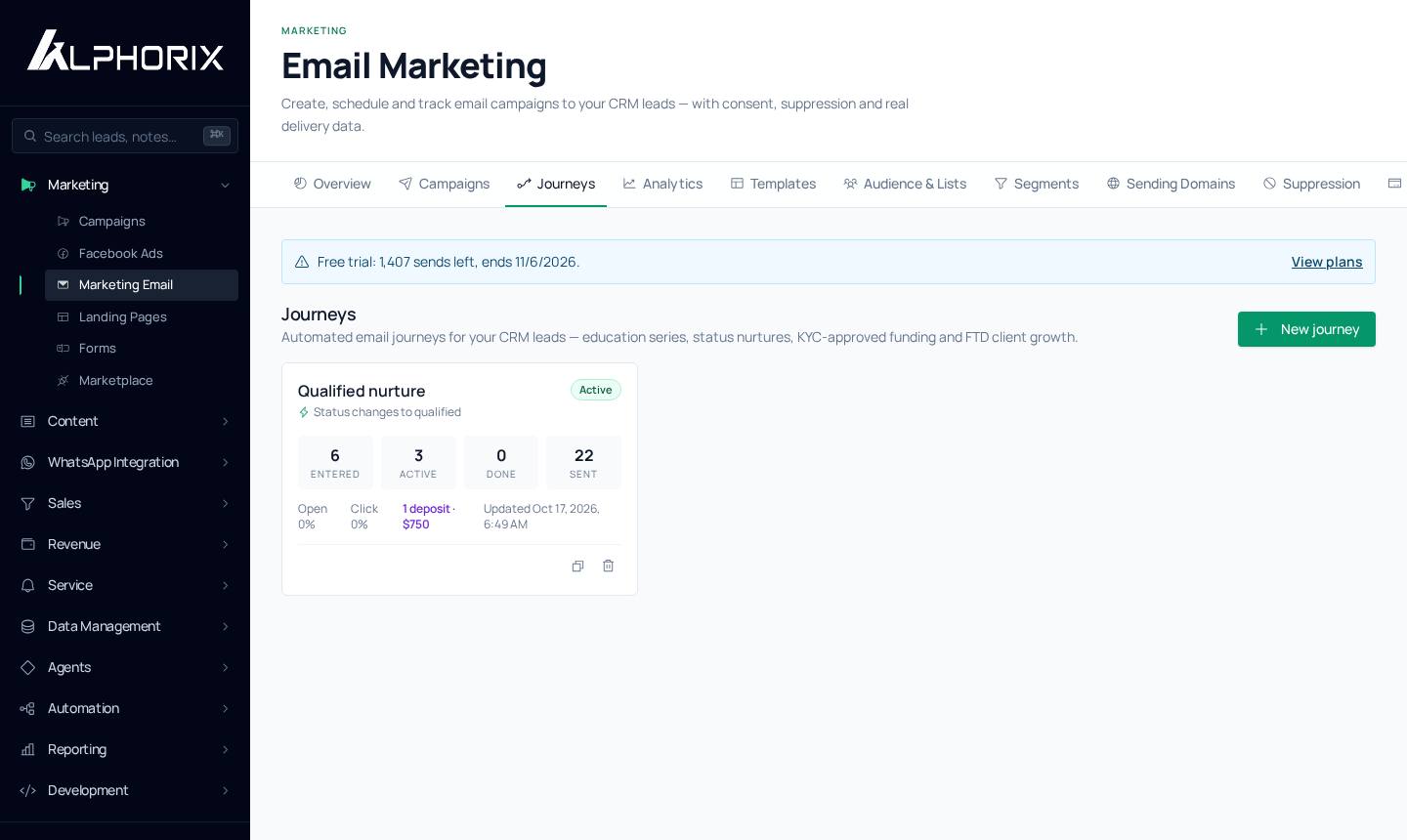
Alphorix was built for exactly that: routing by country and language, SLA alerts, WhatsApp and 3CX on every lead, Email Journeys, IB portals and deposit attribution to Meta. Plans start at $499/month for 5 seats, with a 7-day free trial.
Put this playbook to work in a day.
Routing, WhatsApp, Journeys and FTD attribution in one CRM. 7-day free trial.